Oct 19, 2026Buying Guides
Modular Outdoor Sofa Connectors: What to Confirm
Compare modular outdoor sofa connectors before sourcing by mapping each module, connection point, hardware identity, layout change and inspection step.
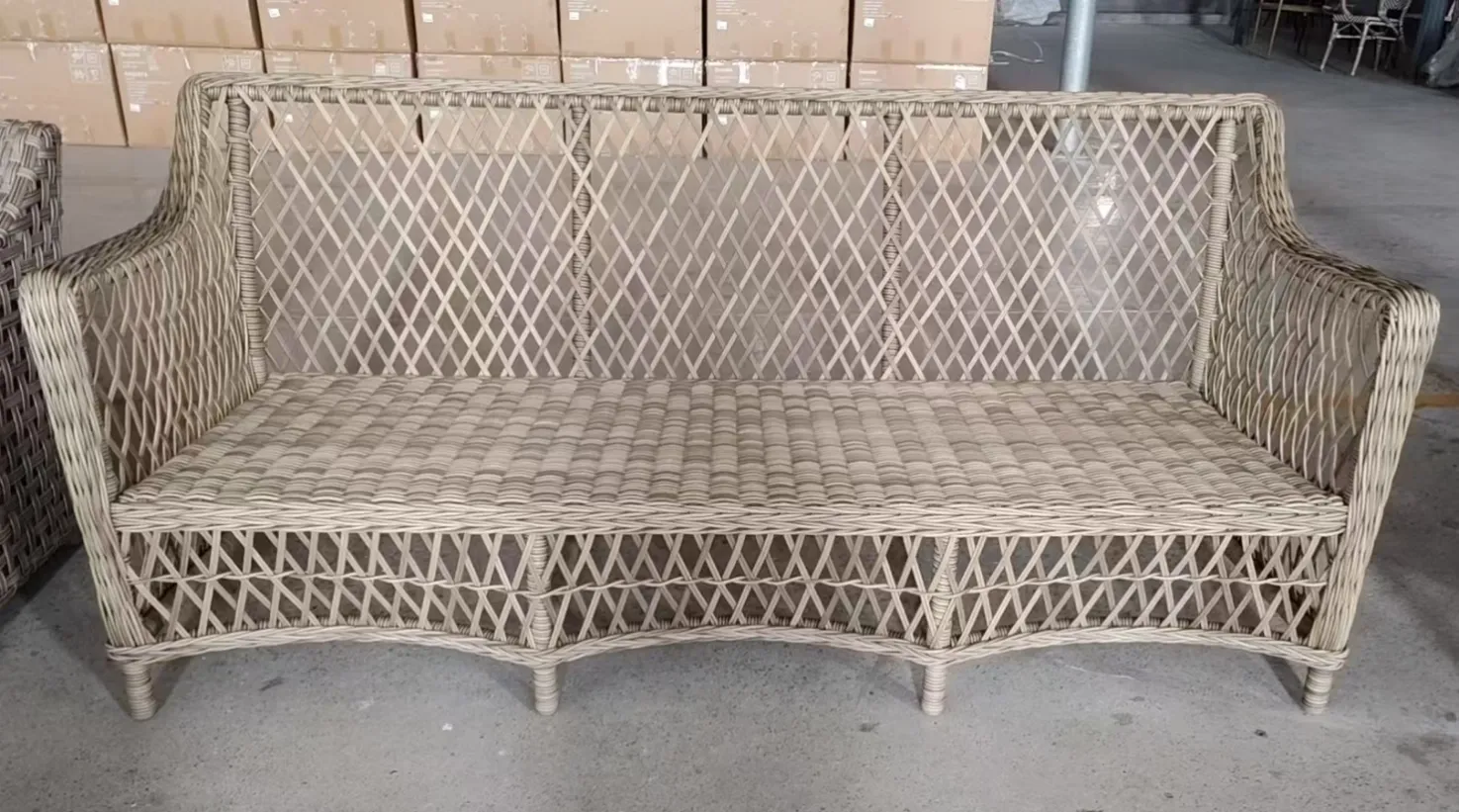
Compare modular outdoor sofa connectors by mapping the exact modules and intended layouts before discussing the hardware. Ask which sides can connect, what connector belongs to each joint, whether it is factory-fitted or separately packed, and how staff should engage, release and inspect it. Review a representative layout on a level approved surface and save the module codes, connector identity and current instructions together. A clip that fits another sectional should not be treated as compatible, and a connector intended to align seating must never be presented as a wind anchor.
Draw the layouts before selecting hardware
List every intended arrangement and identify the module at each position: corner, middle, end, ottoman or other confirmed component. Mark which sides touch in every layout. This exposes joints that disappear or move when the venue reconfigures the seating.
The existing hotel terrace sofa-module guide owns the overall configuration decision. This guide focuses on evidence for the connection points. Related link: https://www.dmfurnitures.com/blog/plan-outdoor-sofa-modules-hotel-terraces
Confirm whether the shortlisted model uses connectors
Some products may use clips, brackets, hooks, straps or another exact-model method; others may have no connector. Ask the supplier to identify the system in writing and show it on the product drawing or instruction. Do not infer modularity or hardware from a marketing photograph.
Browse the outdoor sofa category, then request a model-specific module and connector schedule for any configuration under consideration. Related link: https://www.dmfurnitures.com/outdoor-sofa-sets
Match every connector to a joint
A hardware count should be traceable to the layout. Assign a joint code, the two module codes, left/right or front/rear orientation where relevant, connector reference and quantity. If the connection is factory-fitted, record that status rather than adding it to a loose hardware bag.
When loose hardware is supplied, link the count to the hardware-pack verification guide without assuming all sofa systems are assembled the same way. Related link: https://www.dmfurnitures.com/blog/verify-outdoor-furniture-hardware-pack-contents
Use a connector approval schedule
Field | Evidence to request | Approval question
Layout | Plan with exact module codes | Which joints exist in this arrangement?
Connection point | Underside or side-rail close-up | Do both modules present the correct mating points?
Connector identity | Part reference and quantity | Is it specific to this model and revision?
Engagement | Current instruction or demonstration | Can staff confirm it is fully seated?
Release | Approved separation method | Can the layout change without forcing parts?
Inspection | Visual acceptance points | What makes the joint ready or out of service?
Test alignment on the intended surface
Place the modules on a level approved mock-up surface, align the front edges and engage the connector according to the current instruction. Observe seam alignment, rocking and whether the connection stays seated during normal supervised use. Correct floor or glide issues before blaming the connector.
Record the exact sample and instruction revision. A one-time test does not establish a universal load, life or safety rating.
Plan for cleaning and reconfiguration
Ask staff to separate and reconnect the modules only in the approved way. Note access to the hardware, the need to remove cushions, the safe lifting points stated in the instructions and where detached parts are stored. If reconfiguration is frequent, the procedure must be practical enough to follow consistently.
Do not drill, force generic clips or improvise ties on a sample. Send compatibility questions back to the supplier with the model and connector references.
Keep connector purpose within its boundary
A connector may align adjacent modules during ordinary use, but that does not prove it can anchor furniture against wind, severe weather or movement of the entire set. Rooftop and exposed-site controls require a separate site review and responsible local guidance.
Likewise, a connector does not correct an unstable surface, damaged frame or missing foot. Keep those issues visible as separate actions in the sample record.
Common questions
Q: Can I buy generic clips after the sofas arrive? A: Do not assume compatibility. Confirm the exact frame, joint and supplier-approved connector before using any part.
Q: Should connector hardware be included in the packing list? A: If it is supplied loose, identify it by part reference and quantity. Factory-fitted parts should be recorded as such.
Q: Do connectors stop modular sofas moving in strong wind? A: Do not treat them as wind anchors. Exposed-site operating controls require a separate local review.
Q: What should the property keep after installation? A: Keep the module plan, connector references, current instructions, inspection points and approved reconfiguration method.
Include the module plan in the RFQ
Share the hotel or restaurant zone, exact planned layouts, module references, floor surface, reconfiguration frequency, quantity and destination. Use the hotel and resort application page to frame the wider requirement. Related link: https://www.dmfurnitures.com/hotel-resort-outdoor-furniture
Research boundary and further reading
The recurring connector question was checked against Seaside Casual's model-specific connector page, Outsunny's connector product listing and a sectional connector instruction example. Their compatibility and part claims remain product-specific. This guide adds a procurement schedule and explicitly separates connector alignment from wind control. Related link: https://seasidecasual.com/products/cambridge-sectional-connector-clip https://www.lowes.com/pd/Outsunny-Furniture-Clips-Outdoor-Sectional-Couch-Connectors-Wicker-Furniture-Chair-Clamps-for-a-Module-Patio-Sofa-Set-of-10/5017437209 https://images.thdstatic.com/catalog/pdfImages/01/0160c63f-4fbf-5bc3-a12c-d38928f91292.pdf