Product Data Packs for Outdoor Furniture Distributors
Build an outdoor furniture product data pack with controlled identity, specifications, variants, images, documents and channel-ready product fields.

A distributor product data pack turns one controlled product record into accurate catalogue, website, quotation and internal-system inputs. Keep source facts, channel copy and pending fields separate so marketing does not quietly create technical claims.
Build one source record before creating channel copy
Start with the exact model identifier, approved product name, category, controlled specification, confirmed dimensions, material and finish information, variant rules, current images, document revision and field status. Assign an owner and update date.
Do not make the website, PDF catalogue and quotation separate sources of truth. They should all draw from or be checked against the same controlled record.
Separate product facts from selling language
Product facts require evidence. Selling copy explains intended use or buyer relevance without changing those facts. Keep a field for source, status and approval so a writer can see whether a statement is confirmed, pending, not applicable or unavailable.
Avoid turning a visual impression into a material, performance or project claim. If the source only confirms “aluminum frame,” do not add a grade, tube thickness, coating system or load value.
Structure the pack by business use
| Section | Controlled content | Typical user |
|---|---|---|
| Identity | Model, approved name, category and variant code | Every channel and order team |
| Product facts | Confirmed dimensions, materials, finish and included components | Buyers, quotations and product pages |
| Visual assets | Exact-model images, view type, rights and Alt text | Catalogue, web and sales teams |
| Documents | Current drawings, instructions, care and approval records where available | Technical and operations teams |
| Commercial fields | Quotation-specific information with date and status | Sales and purchasing teams |
| Channel copy | Approved short and long descriptions by market | Marketing and distributors |
Control images as data, not decoration
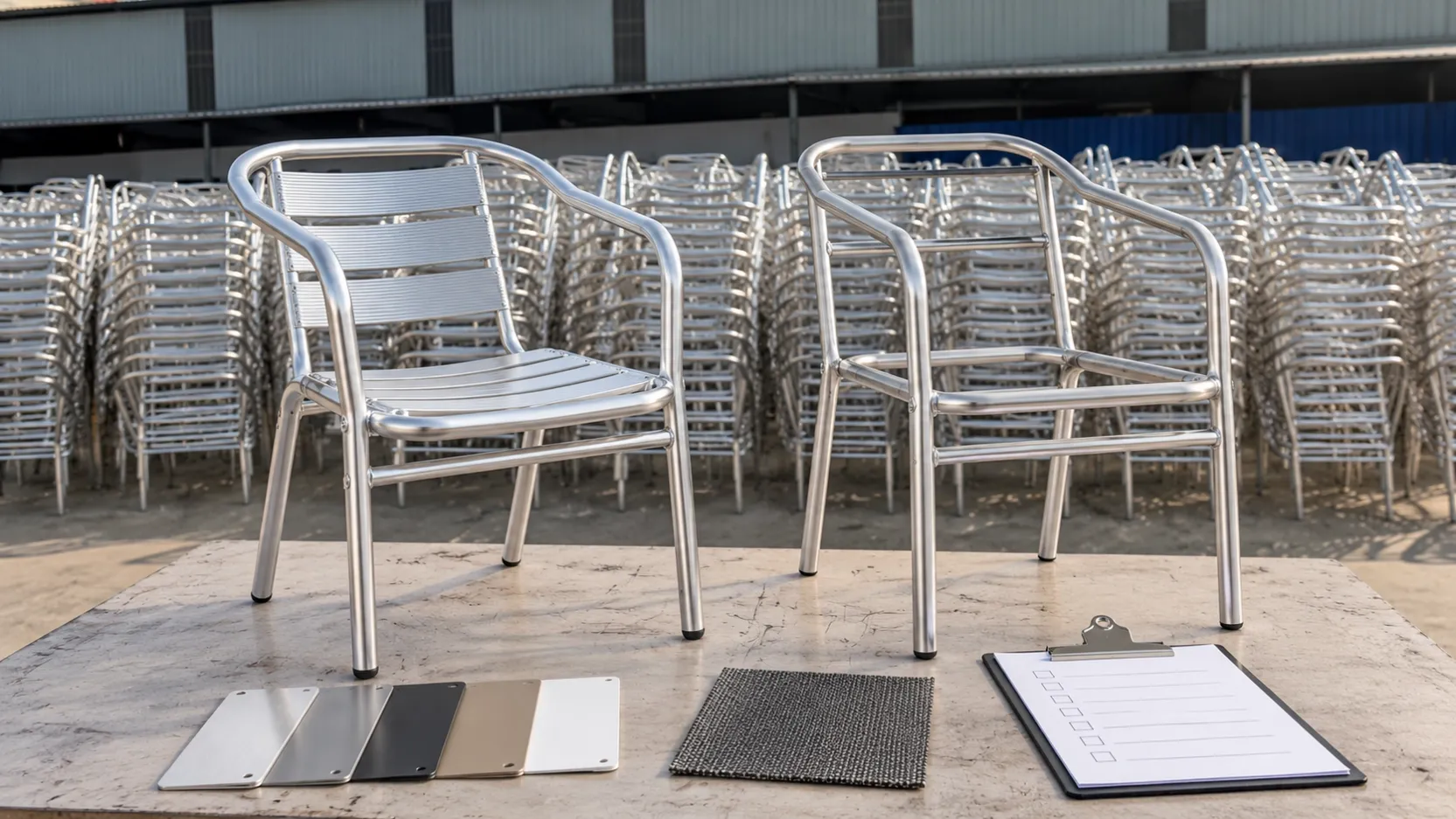
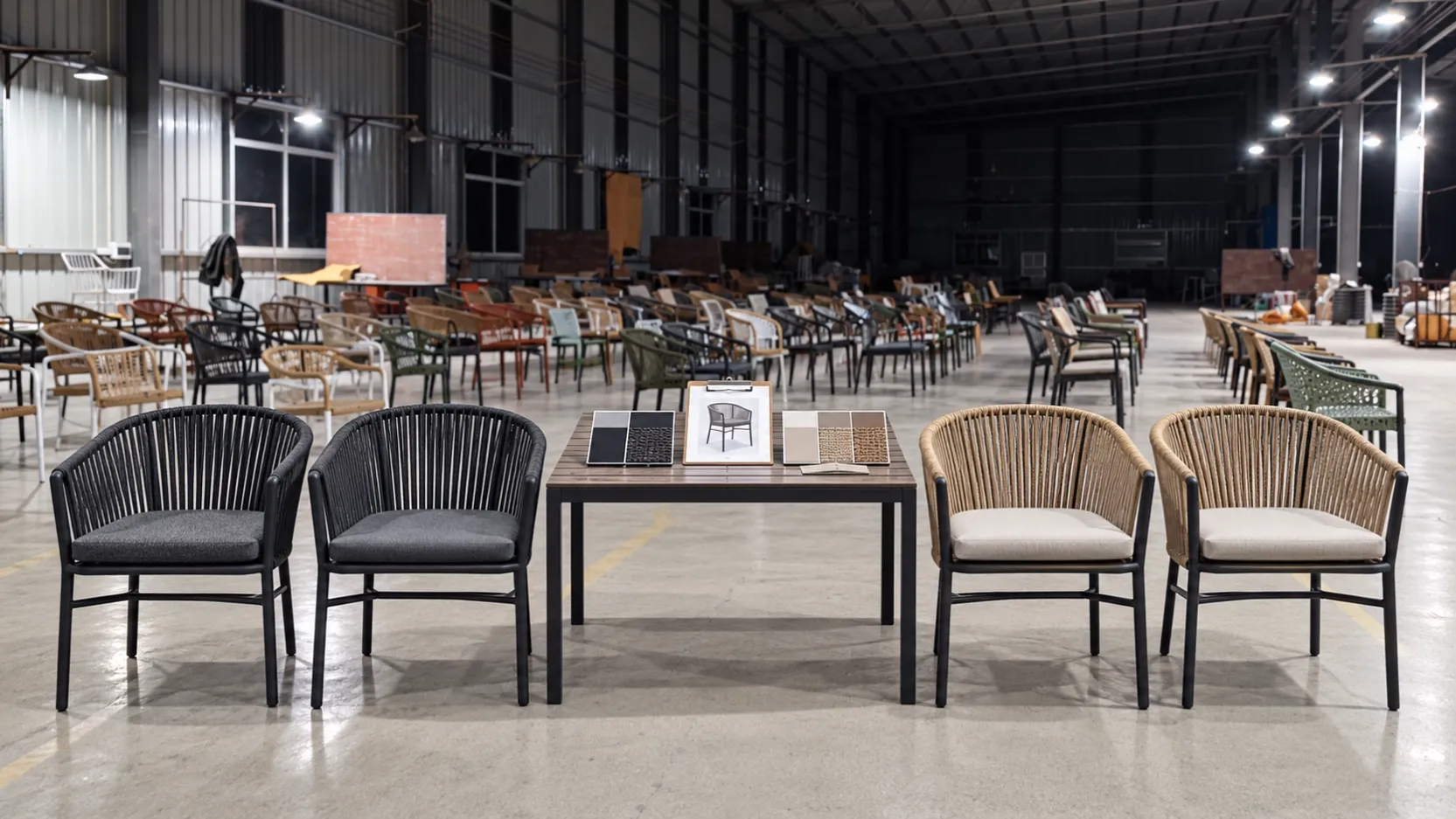
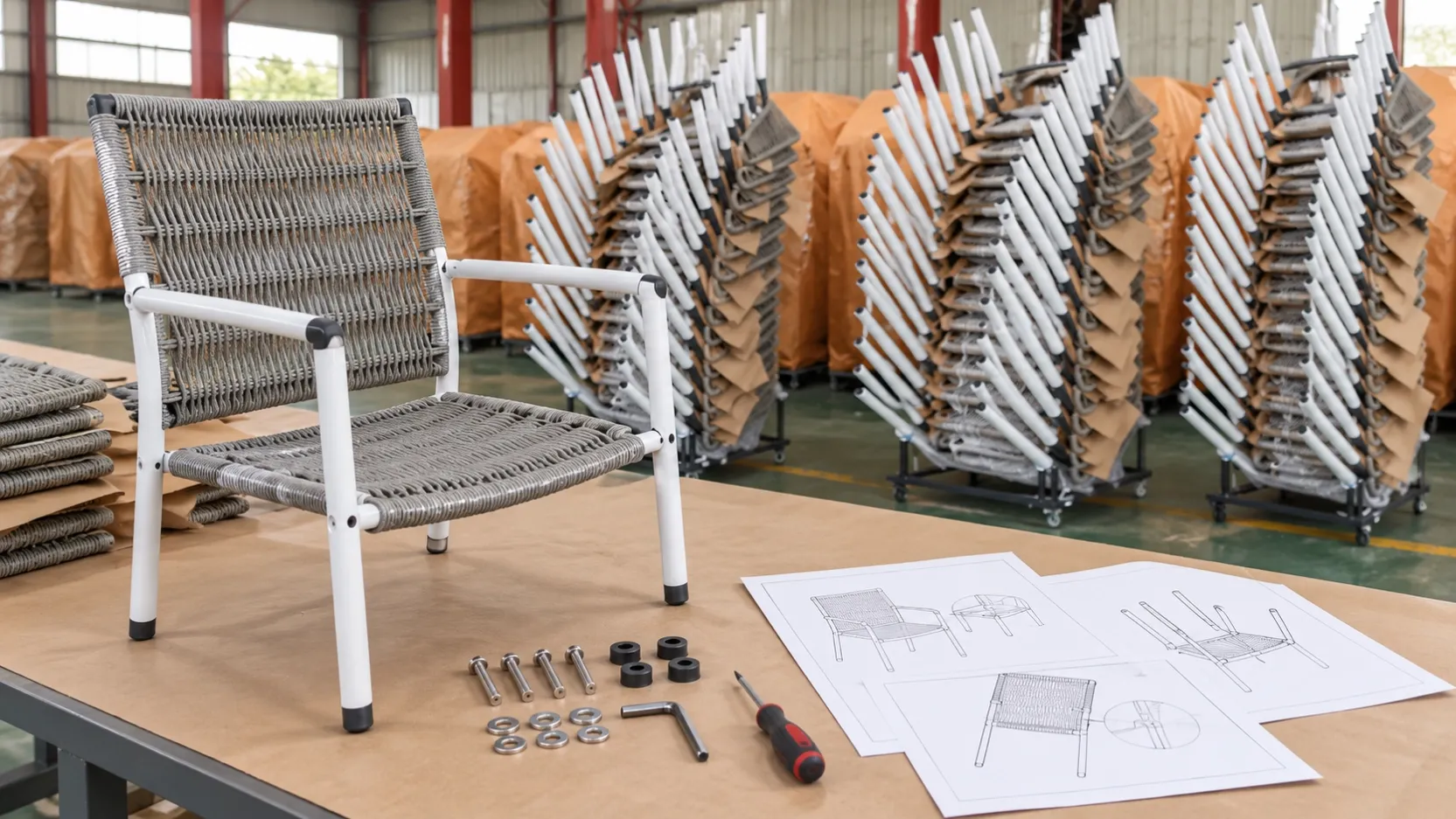
Name each image by exact model and view. Distinguish product cutouts, detail views, dimensions, material references, application concepts and factory photographs. Record image ownership and whether a scene is real, generated or illustrative.
Do not show one model image on another model page because the silhouette looks similar. Use descriptive Alt text that identifies what is visible without adding unverified specifications.
Use explicit status values for missing fields
Blank fields are ambiguous. Mark them as pending confirmation, not provided, not applicable or quotation-specific. This prevents a distributor from treating an empty cell as zero, standard or included.
Commercial fields such as price, MOQ, lead time, packing or loading quantities can change by configuration and order. Store the applicable date, currency, unit and source instead of copying an old quotation into permanent product data.
Map variants without duplicating uncontrolled records
Decide which facts belong to the base model and which belong to a variant. Finish, textile, cushion, table-top or set composition may require a distinct variant record when they affect ordering, imagery or identification. The relationship must be visible to the sales and operations teams.
GS1 master-data guidance distinguishes model, trade-item and variant-level information. A distributor does not need to adopt a specific standard to benefit from the same discipline: stable identity first, scoped attributes second.
Validate the pack through a real workflow
Ask a sales colleague to prepare a quotation, a content colleague to draft a listing and an operations colleague to identify the packed product using only the data pack. Record contradictions, missing fields and unclear variant relationships.
Use the product comparison sheet guide for buyer-side model comparison. The data pack has a different job: distributing controlled information about the selected products.
Common questions
Is a product data pack the same as a catalogue?
No. A catalogue is one output. The data pack contains controlled source fields, assets, status and documents used to create multiple outputs.
Should prices be stored in the master product record?
Keep quotation-specific prices with currency, unit, scope, date and validity. Do not present an old price as a permanent product fact.
How many images should each product have?
Use enough exact-model views to identify the item and explain relevant details. Quality and correct mapping matter more than an arbitrary count.
What should happen when a fact is uncertain?
Keep the source, mark the field pending confirmation and prevent it from feeding public copy until an authorized record resolves it.
Request source-backed product information
Send the target categories, shortlisted models, required channels, destination markets and preferred data template. DM Furniture can provide or clarify current product information for review without treating unconfirmed fields as facts.
Discuss your distributor product shortlist
Browse the current product directory or review the importer and distributor sourcing page.
Further reading
The GS1 System Architecture explains how product identification connects to model-, trade-item- and variant-level master data. The UNIDO furniture documentation manual also illustrates the value of controlled product descriptions, drawings and production records.