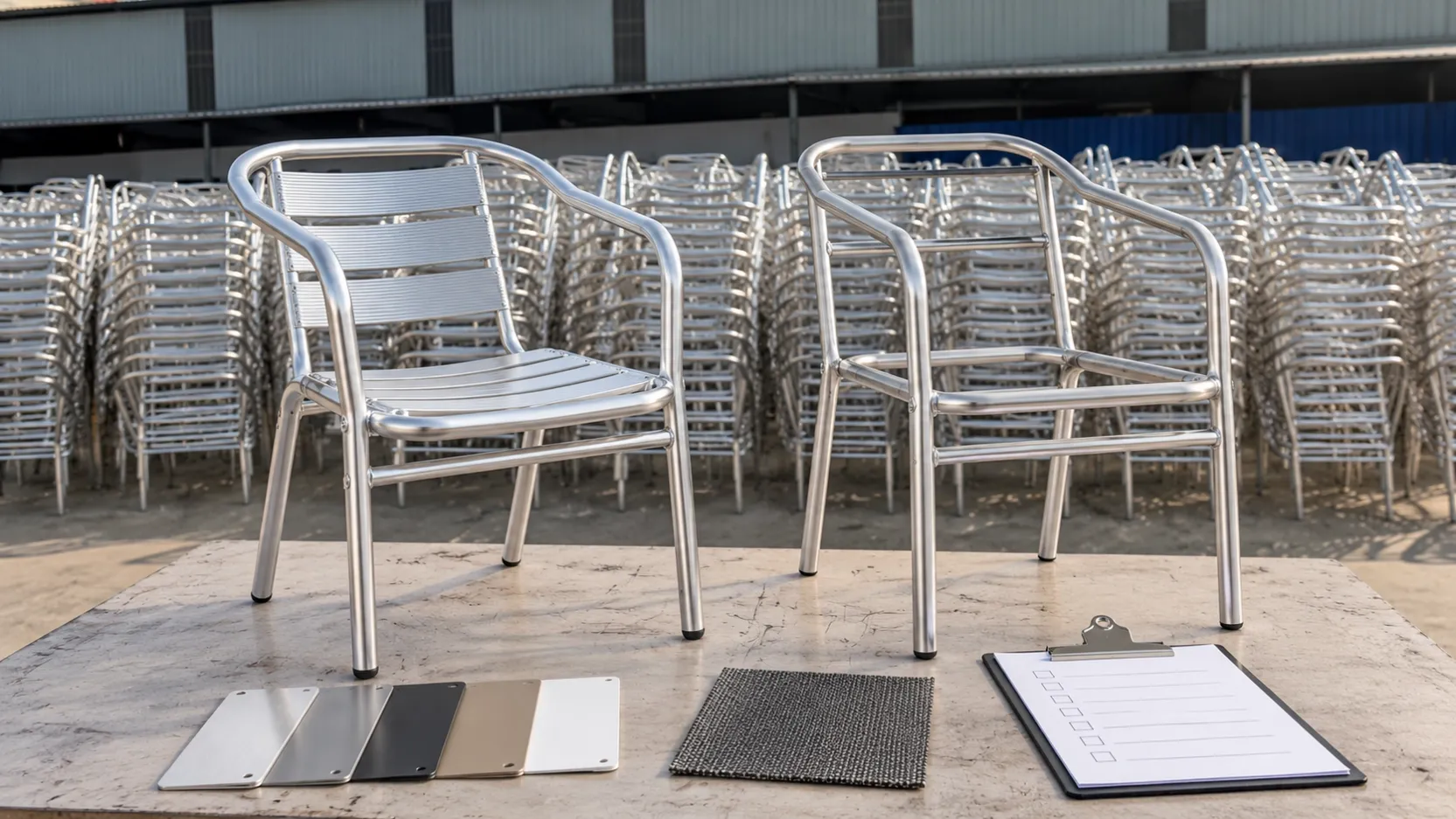
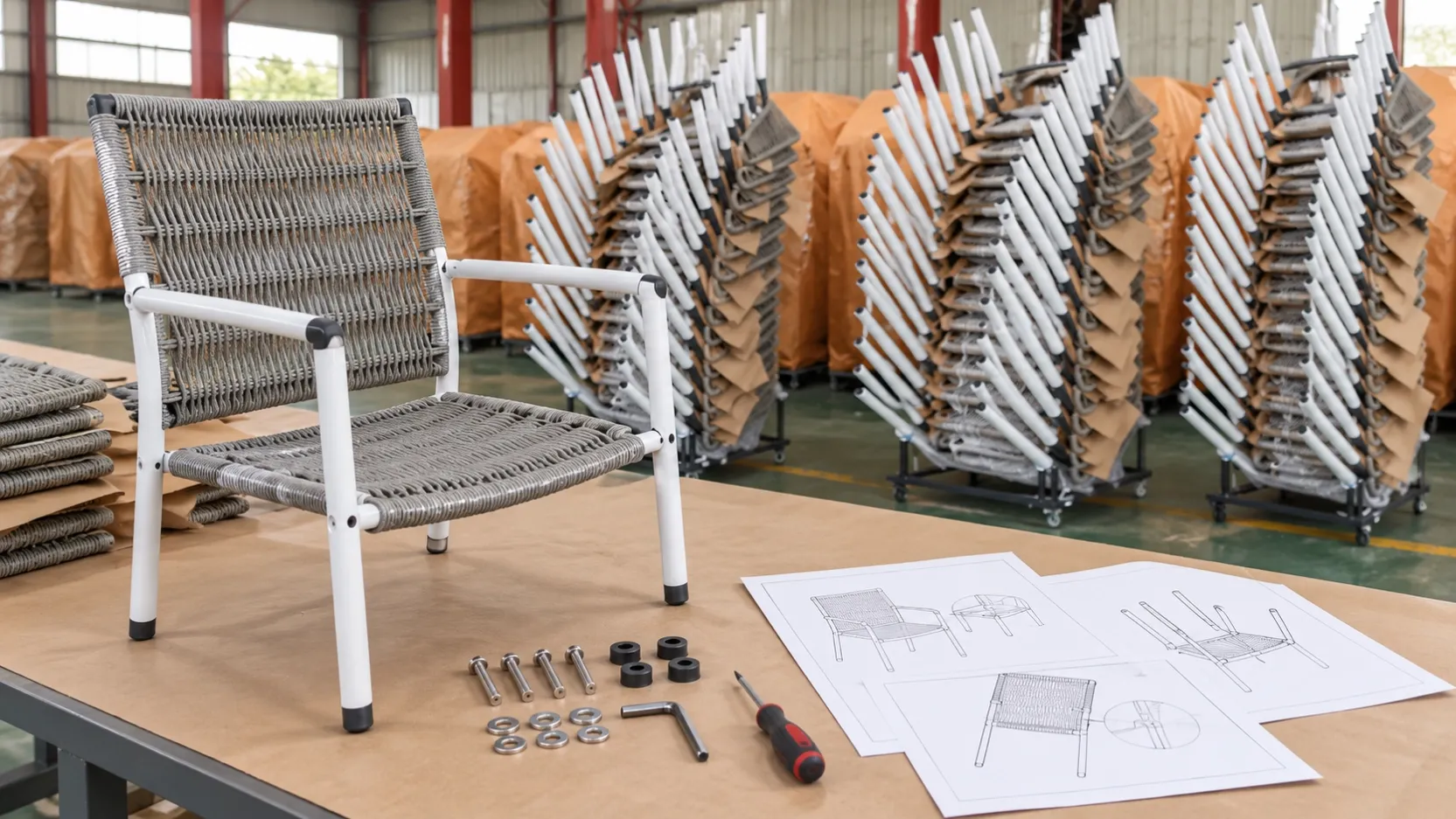
Repeat Outdoor Furniture Orders: Protect the Approved Version
Keep outdoor furniture reorders consistent by controlling model identity, approved references, finish records, revisions and accepted changes.
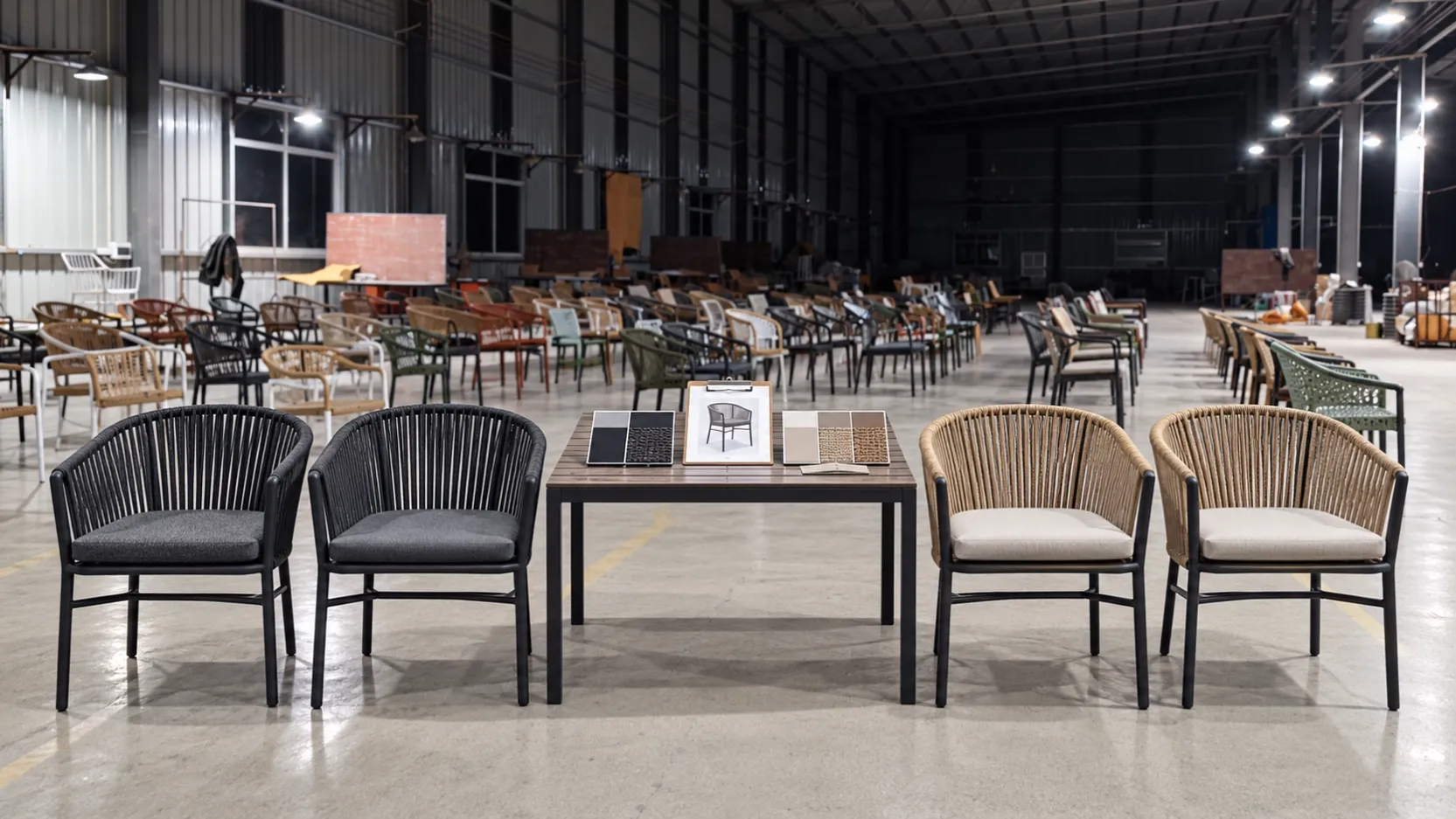
A reorder should begin with the previously approved product record, not only the old model name or a photograph. Reconfirm the exact configuration, material and finish references, approved changes, current documents and intended compatibility before issuing the new purchase order.
Do not treat a model code as the complete specification
A model code identifies a product family or controlled item, but the purchased version may also depend on dimensions, frame material, surface finish, woven material, textile or cushion selection, hardware, packing and order-specific approvals. Keep those facts together.
If the old order contains email changes that never reached the master record, rebuild the approved version before requesting a repeat quotation.
Create a reorder baseline from accepted evidence
Use the latest accepted purchase order, final specification, approved sample or finish reference, inspection decision, packing file and any accepted deviation. Mark which document controls each field. Photographs help with orientation and appearance but should not replace measurable or coded references.
Record the date and owner of the baseline so later users do not select an earlier revision by mistake.
Compare the new request field by field
| Field | Previous accepted reference | New-order decision |
|---|---|---|
| Model and configuration | Exact model, component set and controlled drawing | Same, changed or pending confirmation |
| Dimensions and function | Approved measurements and operating features | Reconfirm against current product information |
| Material and finish | Named material and approved finish record | Retain reference or approve a new one |
| Textiles and loose parts | Approved item codes, colors and quantities | Check current availability and exact identity |
| Instructions and packing | Accepted document and packing revision | Review every proposed change |
| Labelling | Previous approved marks and destination data | Update order-specific fields only after review |
Use a change log instead of silent substitutions
List every requested or supplier-proposed change with the reason, affected models, affected documents, review owner and status. A change should remain open until it is accepted, rejected or withdrawn. Update connected drawings, product data, instructions and packing records when approval affects them.
Do not describe a different available material as “the same” because it looks similar in one photograph. Keep appearance, material identity and performance requirements as separate fields.
Separate normal variation from an approved change
Physical products can show natural or process-related variation, but the buyer still needs agreed references and an escalation path. Define which characteristics require a new approval and which are evaluated against existing criteria. Avoid making a universal promise of exact visual identity across dates or materials.
The finish approval record guide explains how to control color, gloss, texture, substrate and revision as one subsystem of the full product.
Check compatibility before mixing old and new units
When a reorder must sit beside installed furniture or use existing cushions, connectors or tables, state the compatibility need explicitly. Compare relevant dimensions, connection details, height, finish reference and visual relationship. Do not assume that a shared model code guarantees interchangeability after an undocumented revision.
For a broader range decision, use the product comparison sheet guide before narrowing the reorder.
Make the new purchase order self-contained
The new PO should identify the current approved version without forcing the reader to reconstruct years of correspondence. Reference the controlled baseline and list approved changes. Retain the old order as history, not as the only specification.
The purchase order line-item guide provides a practical structure for model, option, reference and status fields.
Common questions
Is sending the old PO enough for a reorder?
It is a useful starting point, but it may omit later approvals, accepted deviations or current document revisions. Build a confirmed baseline first.
Can a photo replace a finish reference?
No. Lighting, camera processing and screens affect appearance. Use the approved finish record and treat photographs as supporting evidence.
Should unchanged fields be reviewed again?
Yes. Mark them as reconfirmed rather than assuming they remain current, especially when time, material availability or documents have changed.
How should proposed substitutions be handled?
Record the exact difference, affected items and required evidence, then obtain the buyer's documented decision before production release.
Send the previous and current references together
Provide the old order number, exact models, accepted reference files, required quantities, destination and any requested changes. DM Furniture can review current product information and identify fields that require fresh confirmation.
Discuss a repeat outdoor furniture order
Importers planning a wider range can also review the importer and distributor sourcing page.
Further reading
The GS1 GTIN Management Standard distinguishes new products from product changes and shows why stable identification and controlled change decisions matter in open supply chains. Use the identification system applicable to your own business and market.