Buying Guides
What Product Files Should Architects Request for Hotel Outdoor Furniture?
A model-by-model hotel outdoor furniture file request: current images, dimensions, finish records, revision control and clearly marked missing drawings.
Direct answer. Ask for product files by exact hotel outdoor furniture model and by the decision the design team must make. Start with current overall dimensions, a clear product image, material and finish description, cushion or set composition, and the document revision. Add drawings or 3D files only if the supplier confirms they exist for that model; a competitor's toolkit is not evidence that DM offers the same formats. Give each file an owner and approval state, and tie the final selection to a furniture schedule that procurement can quote. Leave missing files visible instead of replacing them with guessed specifications.
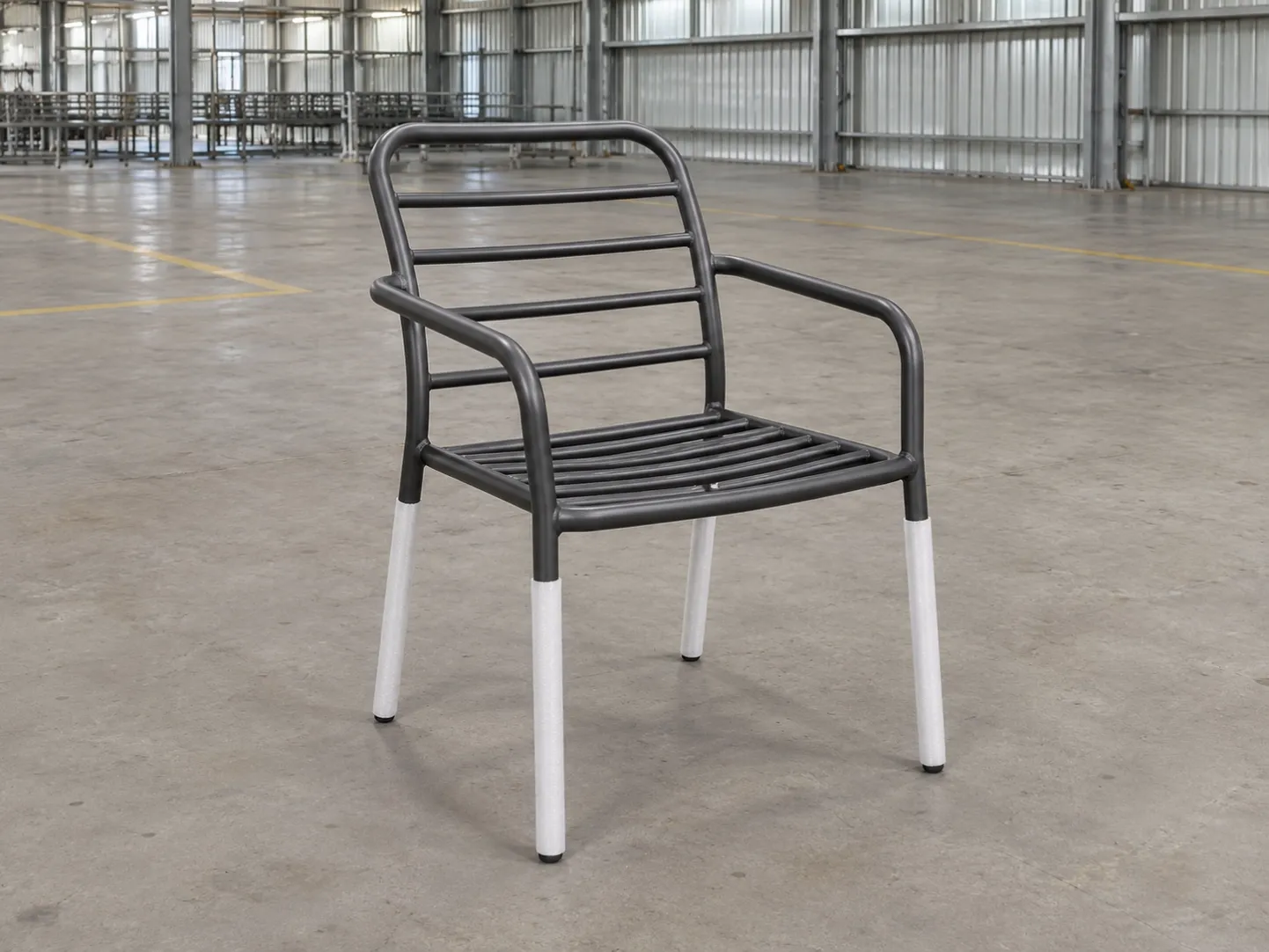
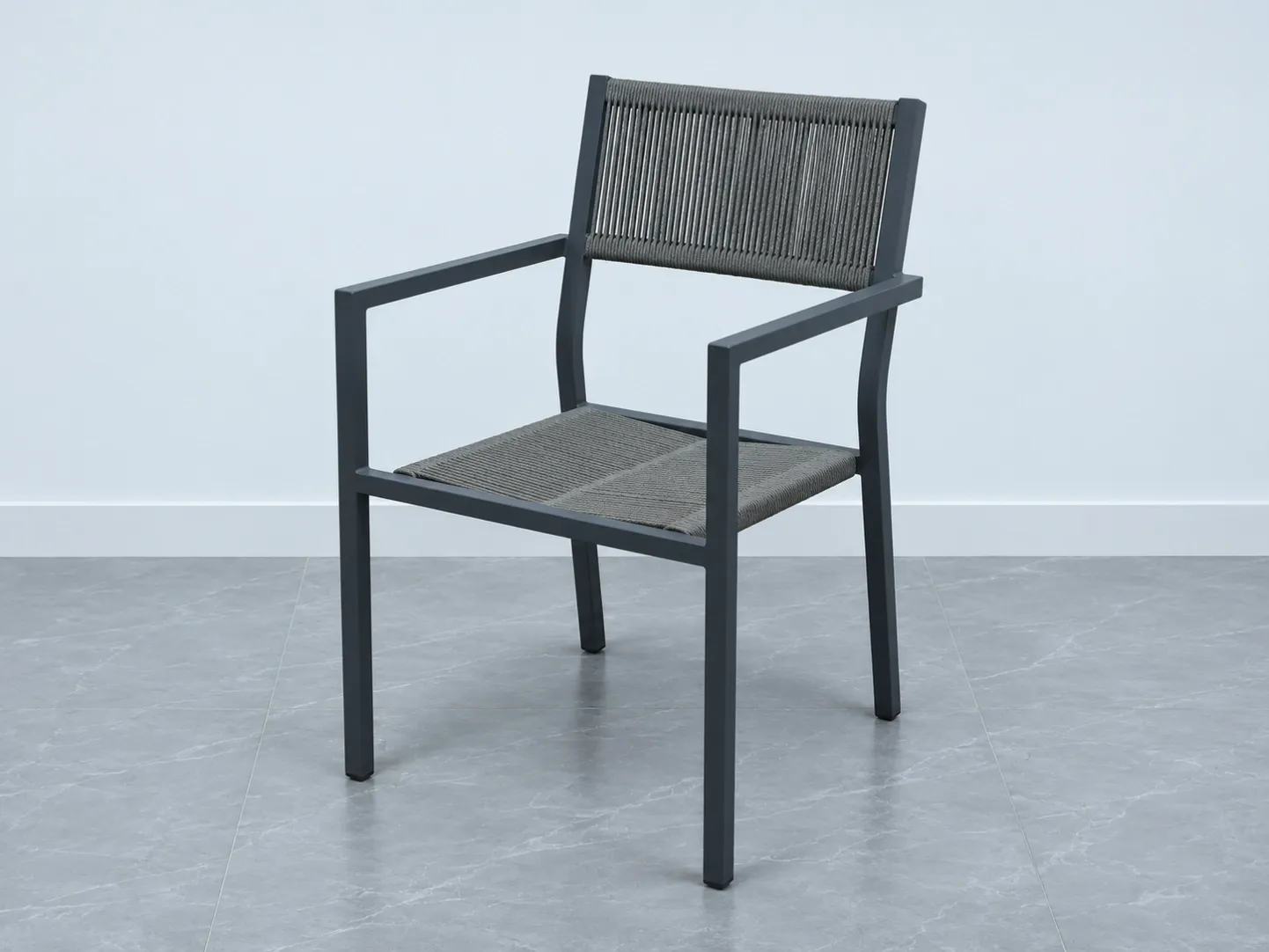
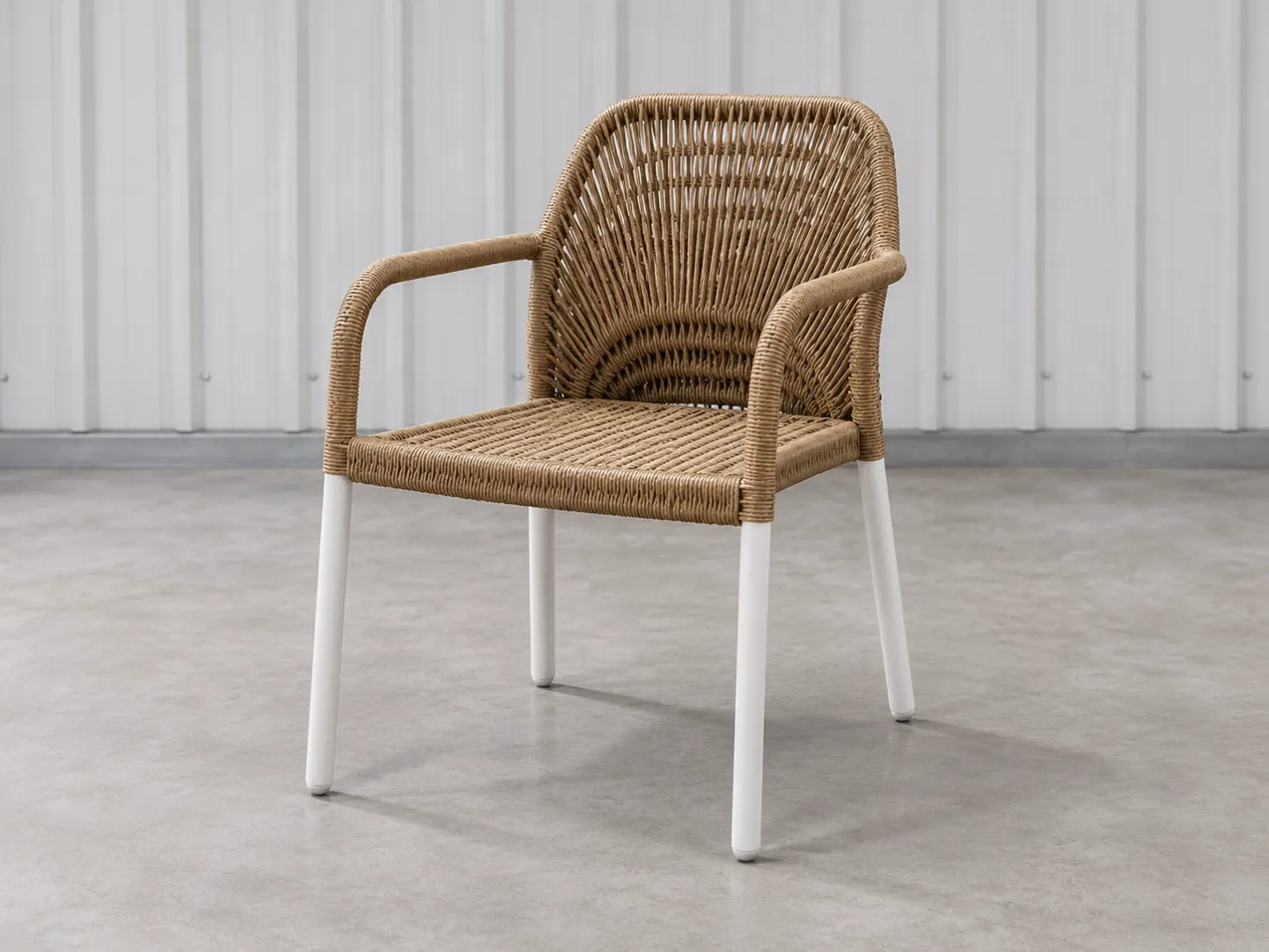
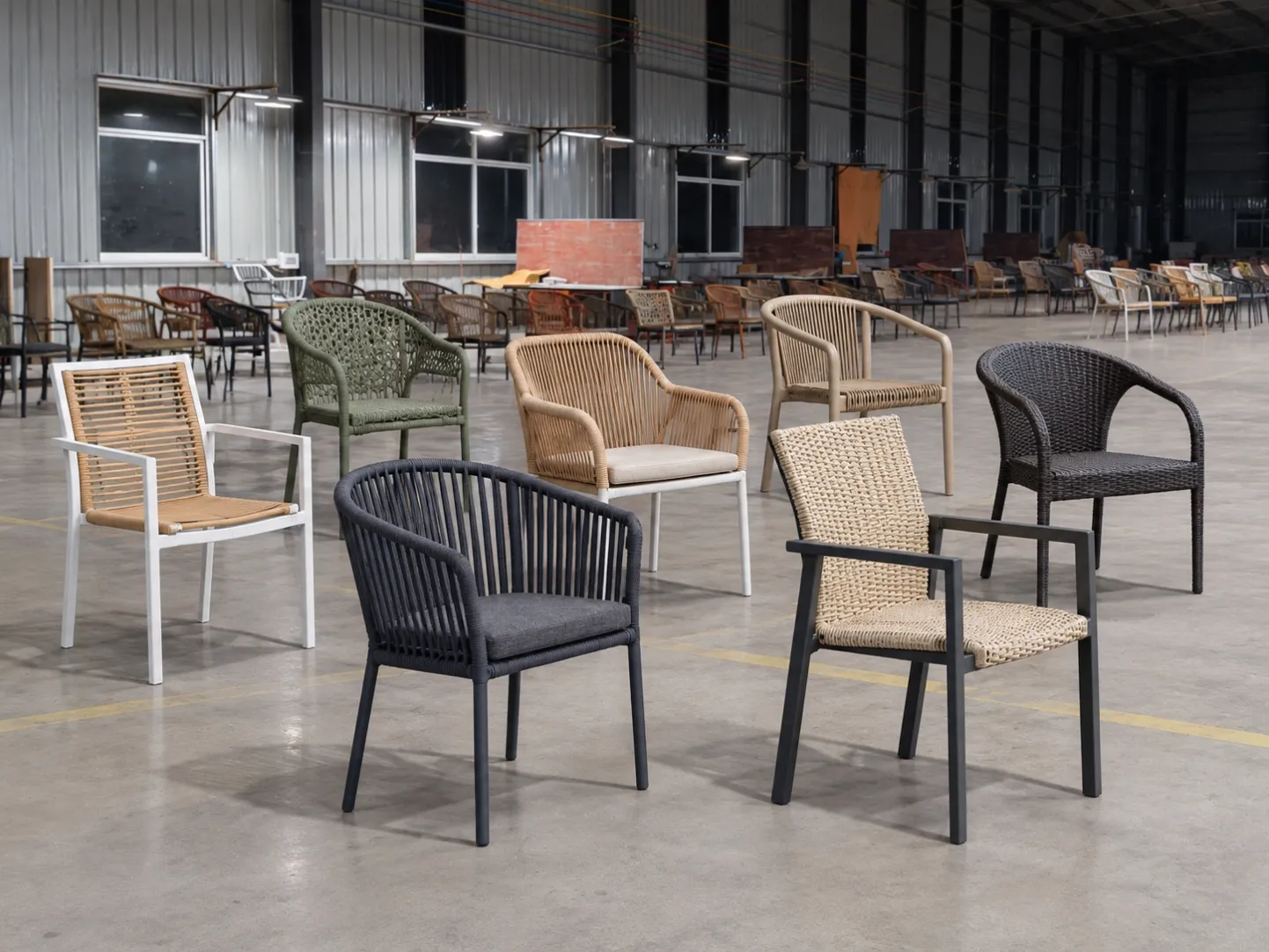
Cover image: AI-generated from a DM showroom photograph to illustrate outdoor chair selection. It is not a hotel project, a model file or evidence that CAD/BIM is available.
Define the schedule question
For each hotel zone, state why the model is being shortlisted: table fit, circulation, visual coordination or exact set composition. Use Products (https://www.dmfurnitures.com/products) and the relevant category to find the public model code. Do not substitute a family-level render for a variant-specific file.
Request only what is needed and available
File or record Decision it supports Status to capture
Current product image Visible configuration and cushion/set identity Received / request / HOLD
Model dimensions Plan fit and comparison Source date and revision
Material/finish record Design and maintenance review Exact code; unresolved if absent
Drawing or 3D file Placement in design workflow Available only if supplier confirms
Approval register Transfer to quotation Design reviewer and purchasing approver
Control file identity before it enters a schedule
Give each received item a model code, variant, source date and revision. Record whether it depicts the quoted finish and the current set composition. A render that looks close to a selected chair may still belong to another model; a plan symbol may omit the clearance needed for cushions or armrests. Put the source filename and document date beside the furniture-schedule line so a later image replacement is visible.
Do not leave an empty CAD or BIM cell looking like an implicit supplier commitment. Mark it available, requested or not confirmed for the exact model. Where a drawing is absent, the design team can still state what dimension or geometry must be verified, but it should not create a supplier drawing by tracing a marketing image. The supplier decides which source files actually exist; the architect decides whether those are sufficient for the project.
Hand the same schedule to purchasing
Before quotation, freeze a short decision register: exact model and variant, intended zone, current image, confirmed dimensions, material and finish references, cushion or component scope, missing-file questions, design reviewer and purchasing approver. Keep alternatives as separate lines rather than overwriting the preferred model. This gives procurement a usable comparison and exposes any unsupported assumption before it becomes a purchase-order instruction.
The distributor data-pack guide (https://www.dmfurnitures.com/blog/outdoor-furniture-product-data-pack-distributors) covers channel-ready product assets; it is not proof of a DM CAD/BIM library. The sample-approval guide (https://www.dmfurnitures.com/blog/outdoor-furniture-sample-approval-before-production) owns the later physical approval. Send the model schedule and explicit missing-file questions through Contact (https://www.dmfurnitures.com/contact-us) for a current quotation path.
FAQ
Does every product have a CAD or BIM file? Do not assume so. Ask for the exact model and available format.
Can a catalogue render replace an overall dimension? No. Record a source-backed dimension separately.
Should designers approve a material from another brand's sheet? No. The quoted DM model needs its own confirmed material/finish record.
Who freezes the specification? The project's authorized buyer after design and operations review, not the supplier article.